


Create Your Account
Step 1: Create Account
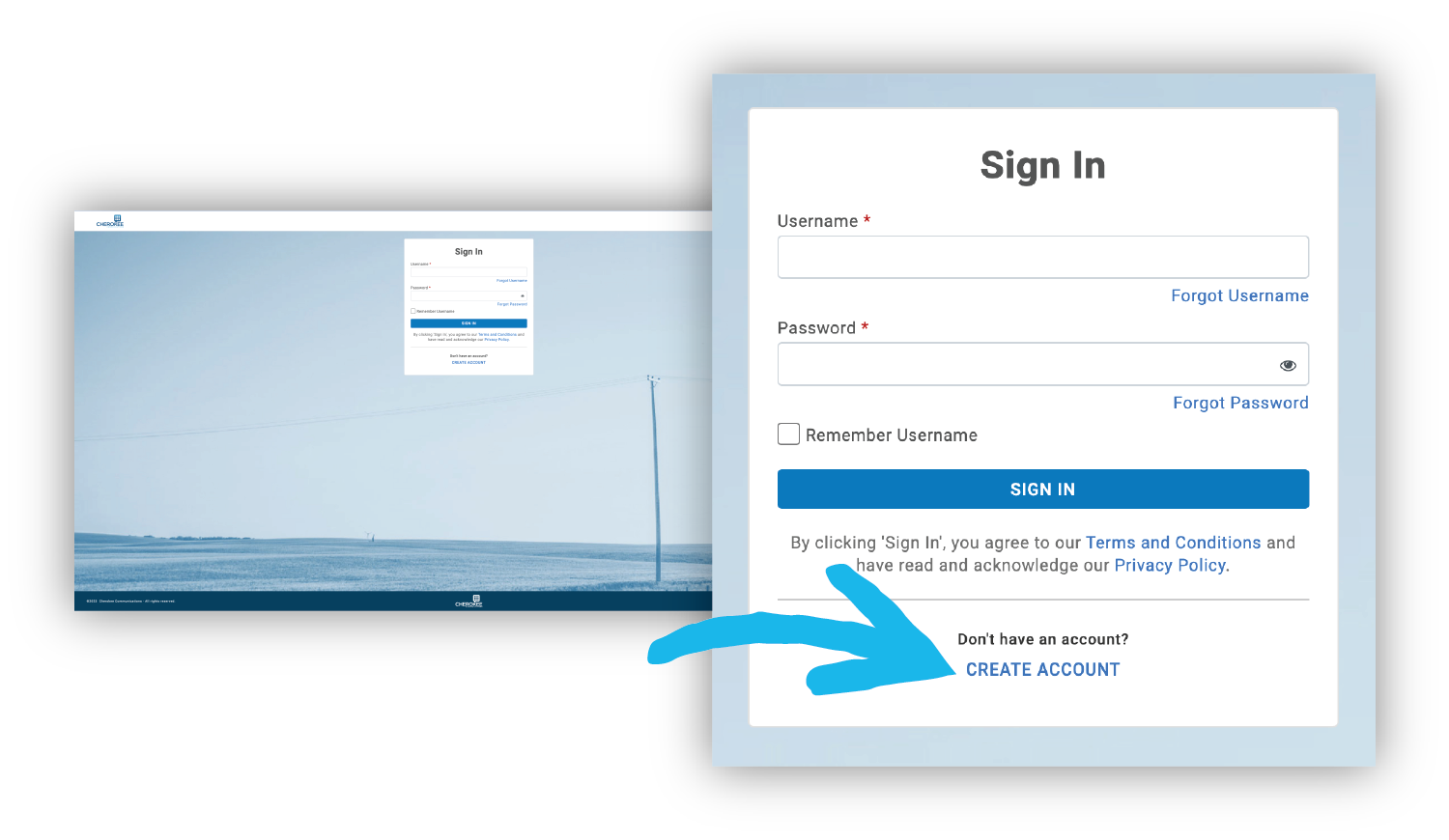
In your internet browser, go to: customer.cherokeecomm.com. If this is your first time logging in, click on "CREATE ACCOUNT." Disregard everything else.
Step 2: Register an Account
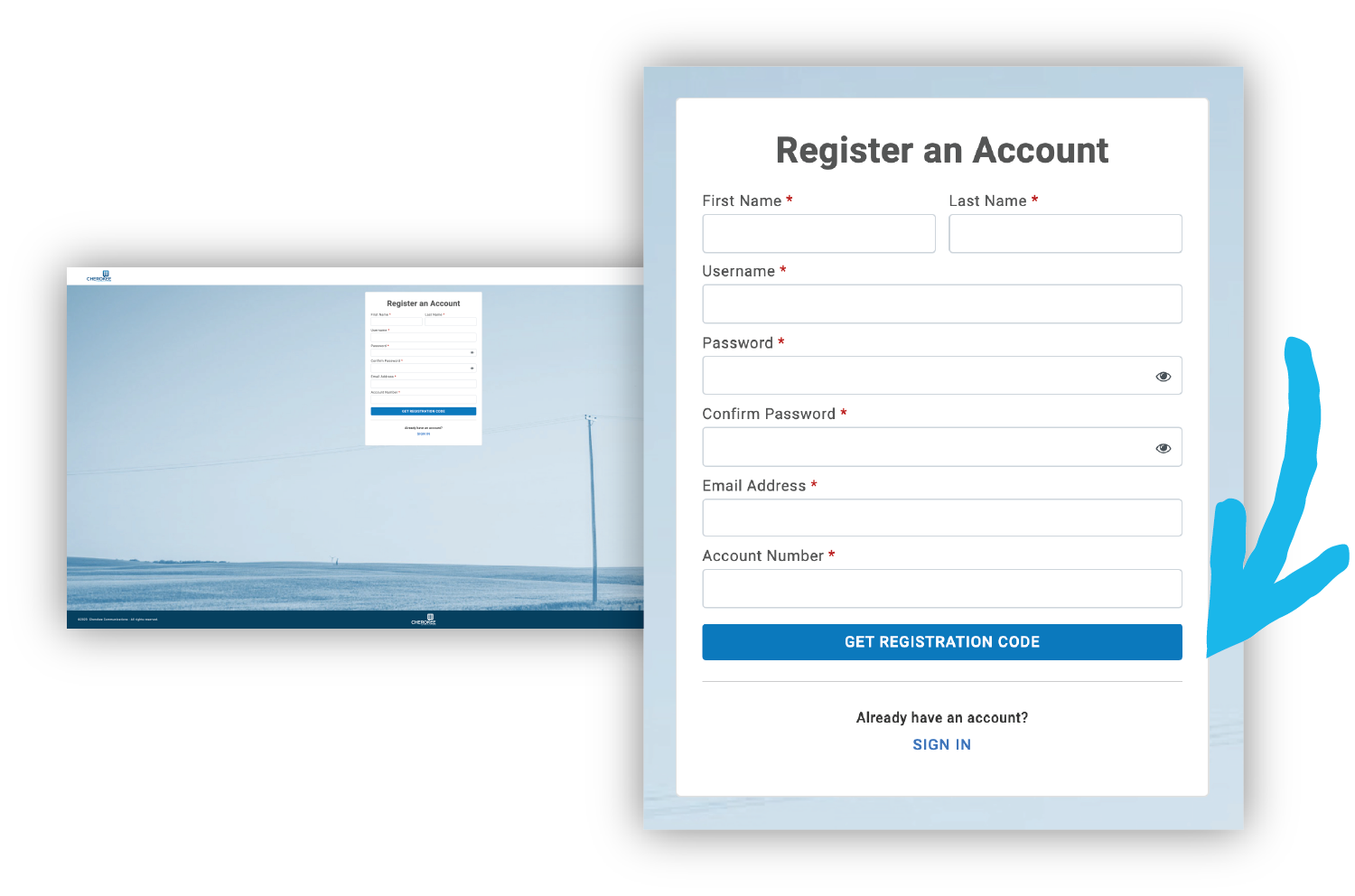
Enter your FIRST and LAST NAME to match your bill. You may select your own Username. Your Password should be unique.
- We recommend using a password manager, which is available on most operating systems. Otherwise, your password should be unique and follow the guidelines.
Your EMAIL ADDRESS may be any email address you have regular access to.
- We recommend your “name@cherokeecomm.com” email.
- Your account number is the same account number from your paper bill.
Once you’ve completed each field, click GET REGISTRATION CODE. This registration code will go to the email address you just entered.
Step 3: Check Your Email
Check your email for Subject: “Account Registration” from notifications@cherokeecomm.com. If you don’t see an email from us, check your spam.
